
Evaluating LOXONE Features in Relation to LiteTouch Systems
Looking to replace your LiteTouch system? See our LiteTouch Replacement Guide for a complete overview of the upgrade process, costs, and what to expect.
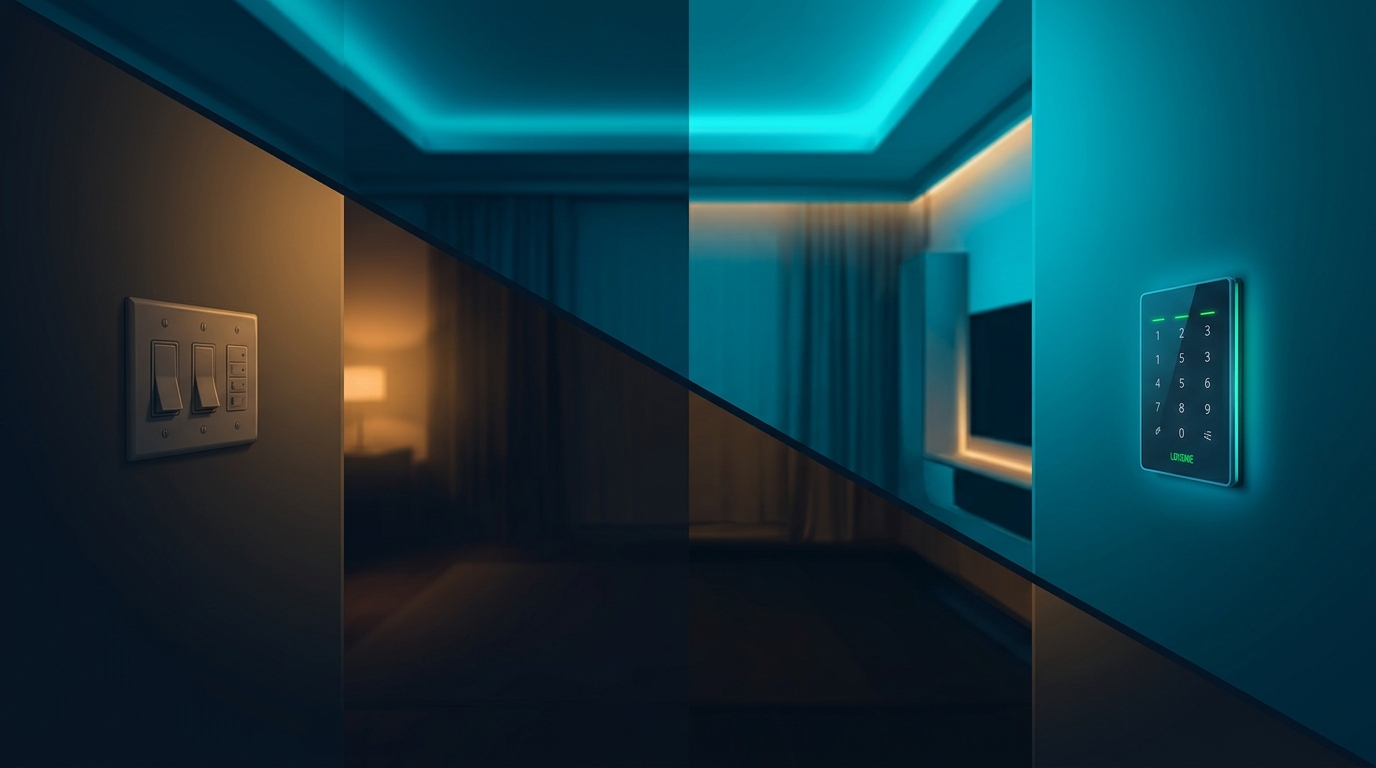
If you have a LiteTouch system, you’re used to solid lighting control—keypads, dimmers, and preset scenes. What you might not have is flexibility after install, or a path to add shades, climate, and audio without a second system. Here’s how LOXONE’s feature set lines up against what LiteTouch offered, and what that means for a replacement.
Scenes and Control
LiteTouch scenes were typically programmed once and left in place. Changing them usually meant a service call. LOXONE scenes are fully editable by you in the LOXONE app. You can create new scenes, adjust levels, and tie them to time of day, occupancy, or keypad buttons. The system is designed for you to own the logic, not to lock you into a fixed set of presets.
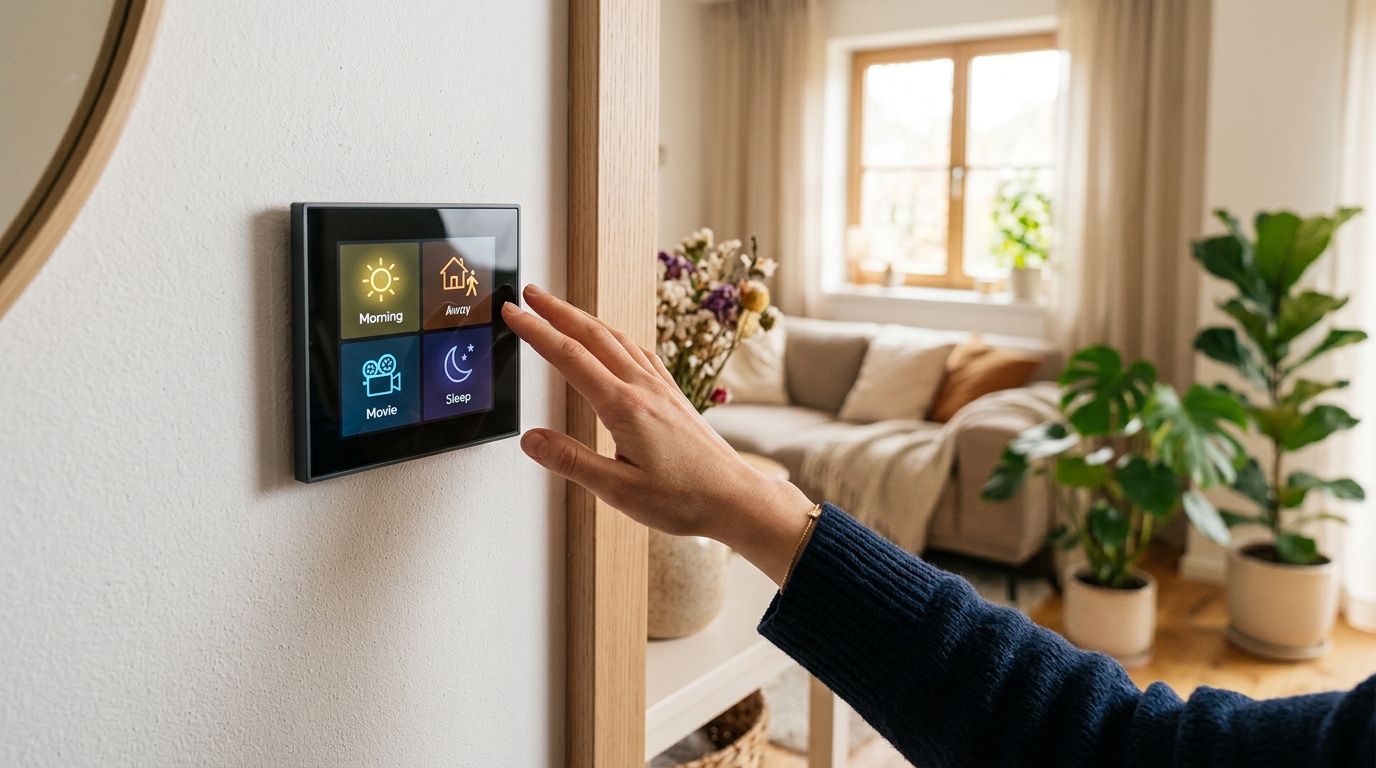
Keypads and touch panels in LOXONE can trigger scenes, control individual circuits, or act as room controllers. One device can replace several LiteTouch keypads because the functionality is configurable. You’re not limited to a fixed number of buttons per location.
Whole-Home in One Platform
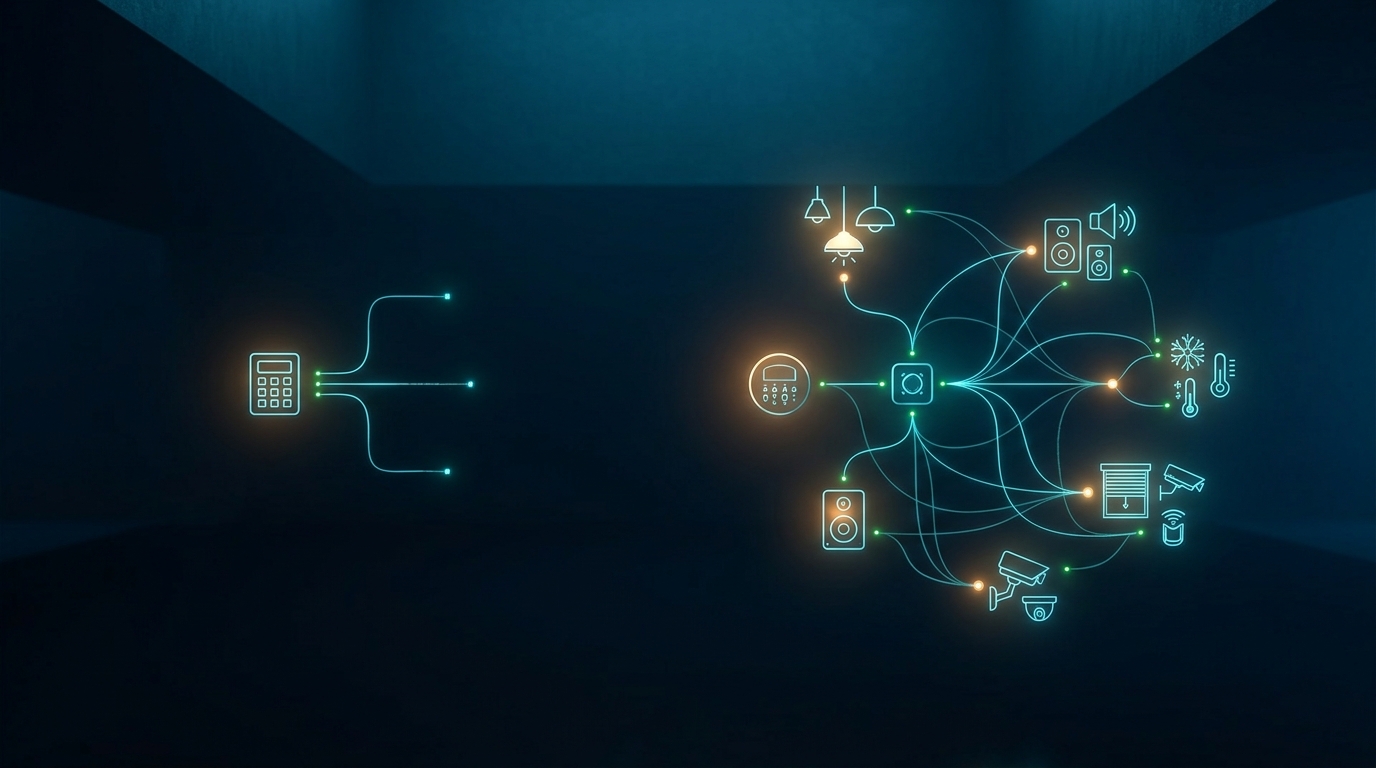
LiteTouch was built for lighting. LOXONE is built for lighting plus shades, climate, audio, security, pool, and more. If you want motorized shades in the same app as your lights, or thermostats that participate in “Good Night” and “Away” scenes, LOXONE does that natively. You don’t need a separate control system for each discipline. That simplifies daily use and reduces the number of apps and remotes.
Integration and Updates
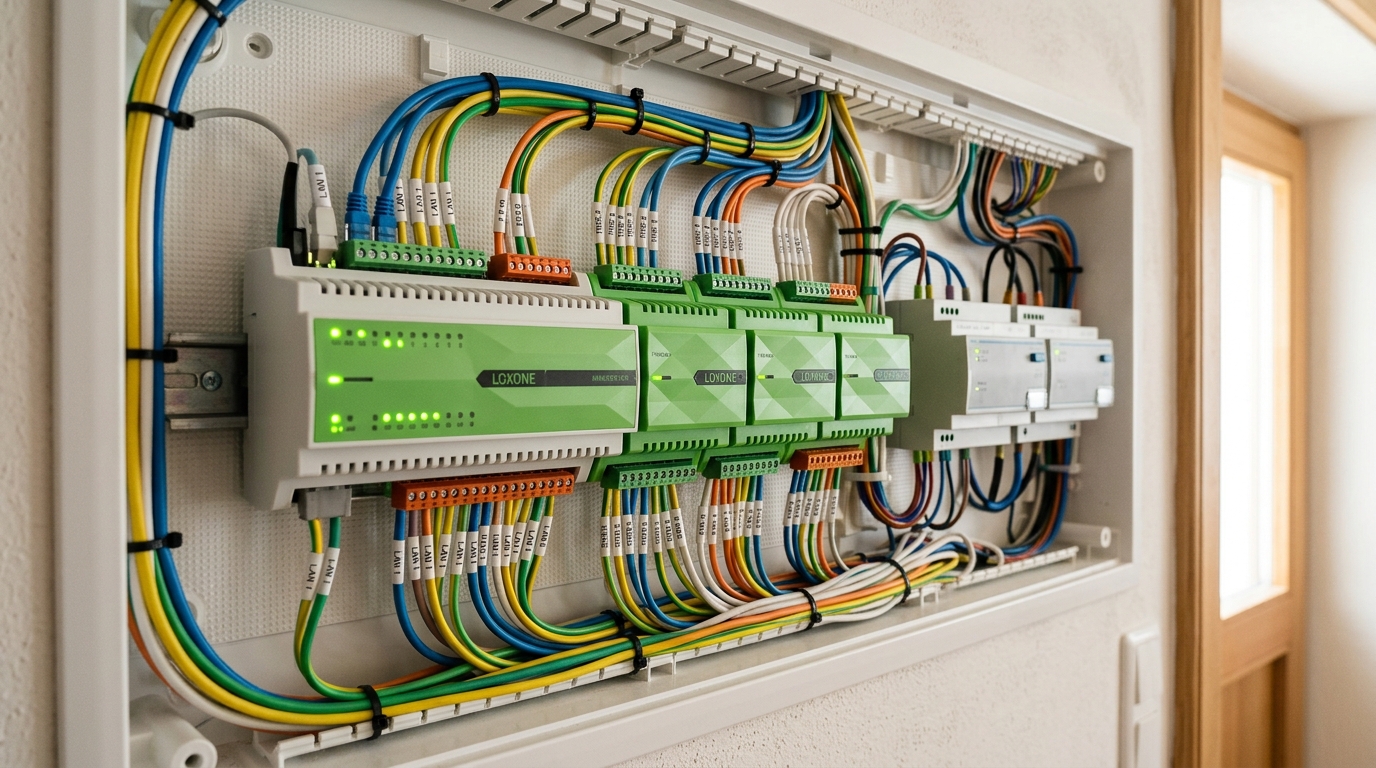
LiteTouch is no longer in active development. LOXONE receives regular firmware updates and has a roadmap that extends years out. The Miniserver runs your automation locally, so you’re not dependent on a cloud service that could be discontinued. Integration with voice assistants, streaming, and third-party devices is part of the design, so the system can evolve as your needs do.
Making the Switch
Evaluating LOXONE against LiteTouch isn’t just about a checklist—it’s about whether you want a system you can adapt yourself and a platform that’s still growing. For most LiteTouch homeowners we talk to, the answer is yes. We can assess your current setup and show you exactly how a LOXONE replacement would look in your home.
Ready to replace your LiteTouch system? Book a free consultation and we’ll walk you through your options.
Ready to discuss your smart home project?
Book a free consultation — we'll discuss your goals and outline options.
Book a Free ConsultationShare this article
About the Author
Grizzly Tec — Smart home automation consultants based in Spring, TX. We design and build intelligent home systems across the greater Houston area and help homeowners and builders create homes they actually own and control.